
Halsion 3DScenes and rendered worlds
3D / Scenes and rendered worlds
Halsion 3D
Build, light, animate, and render an editable three-dimensional scene with an agent inside the project.
H3Halsion 3D
app-stream-ordinary-product-revised.blend
CAMERA PERSPECTIVEAS6HeroCamera · 70 mm
01 / 09
Product scene, empty stage
The retained AS6 product project opens with camera gate, collections, and an empty studio stage
RENDER RESULT · INITIAL256 samples · OIDN · 00:18.42
REVISION 02AS6OrdinaryAmberRevision5 named subjects preserved
BASE COLORonly
Files · verified delivery
4 artifacts · 2.90 MiBINITIAL · BLENDapp-stream-ordinary-product.blend
920,276 BINITIAL · PNGapp-stream-ordinary-product-render.png
800 × 800REVISED · BLENDapp-stream-ordinary-product-revised.blend
898,324 BREVISED · PNGapp-stream-ordinary-product-revised-render.png
800 × 800AS6BottleBody
/Scene Collection/AS6_PRODUCT/AS6BottleBody
- Material
- AS6MatteTealBottle
Shader Editor
Color
Alpha
Linear
Strength 0.070
Distance 0.100
Normal
Base Color
Metallic 0.380
Roughness 0.290
Coat 0.220
Surface
Volume
Displacement
Live project3D
01 / Editable 3D project
02 / Rendered images
03 / Scene assets
A revision inside the model
Both you and the AI agent control the project simultaneously.
In this session, the agent adjusts a large-format field camera by moving its front standard, extending the bellows, and adding a separate lens hood. The conversation names the scene parts and constraints used for each change.
H3Halsion 3D
3D project / LiveAgent connected
Halsion agentHalsion 3D / Live
Message the agent…↵
Live object graphVisible operations / 04
Arrange objects, cameras, and lights in one scene.
The scene records object hierarchy, transforms, camera position, focus, light size, and material response. Change any of them in the viewport and render the resulting image.
Scene creation with a shared AI agent
Model, animate, and render 3D scenes with an AI agent inside the workspace.
Halsion 3D is a complete scene-creation application for geometry, materials, lighting, cameras, animation, and rendering. You can work directly in the viewport while the agent reads and changes the same scene.
Halsion 3D contains the complete workflow for building a scene.
Begin with an empty scene or open an existing project. Model the geometry, define its surfaces, animate objects and cameras, place the lights, and render the final views.
01 / ModelConstruct the form
Create and edit objects, topology, transforms, collections, and modifiers.
02 / ShadeDefine the surface
Build material relationships and tune how every surface responds to light.
03 / AnimateSet the scene in motion
Work with objects, cameras, timing, and changing properties.
04 / RenderRender the selected view
Compose the camera and lighting, then produce stills or frame sequences from the scene.
The viewport shows the image and the structure that produces it.
Use the scene graph to inspect geometry, materials, lights, and cameras, then review the rendered result from the same project.

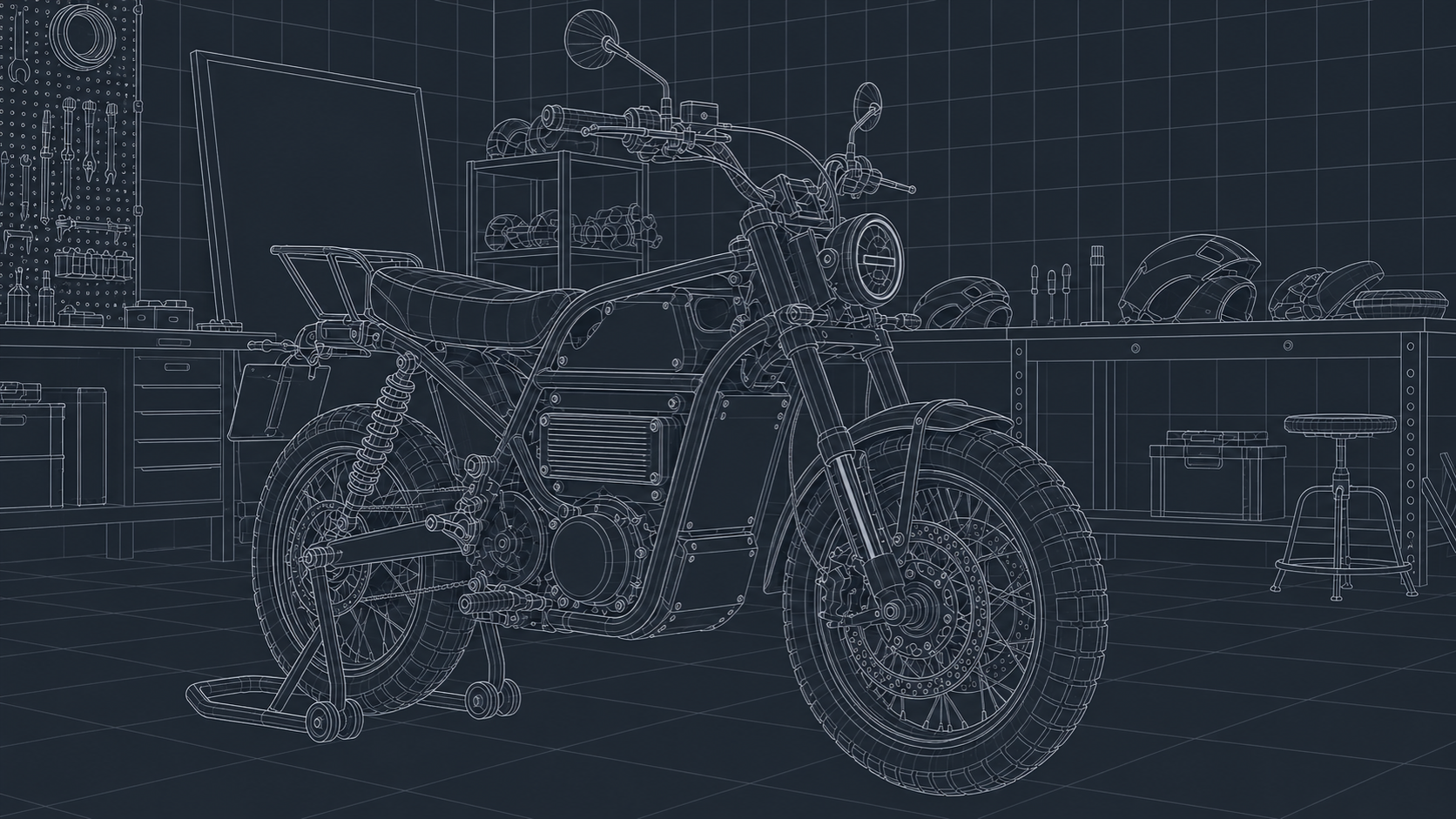
Inspect the scene hierarchy.
Find the frame, powertrain, suspension, wheel assemblies, studio objects, cameras, and lights in one structured scene.
Edit each surface independently.
Tune matte paint, brushed aluminium, rubber, leather, and optical glass as separate materials.
Compare rendered revisions.
Review alternate views and material passes, then return to the source scene for the next change.
Keep the editable scene and render the views you need.
Continue modelling, share the project with another artist, render another camera, or revisit an earlier material direction.
Editable scene
Geometry, modifiers, materials, cameras, lights, and animation remain available.
Halsion 3DNative scene
Rendered studies
Produce comparison images, review frames, and animation sequences from the current scene.
PNGFrame sequence
Reusable scene parts
Use the same objects, materials, cameras, and lighting systems in another scene or direction.
ObjectsMaterialsCameras
Ways to use Halsion