
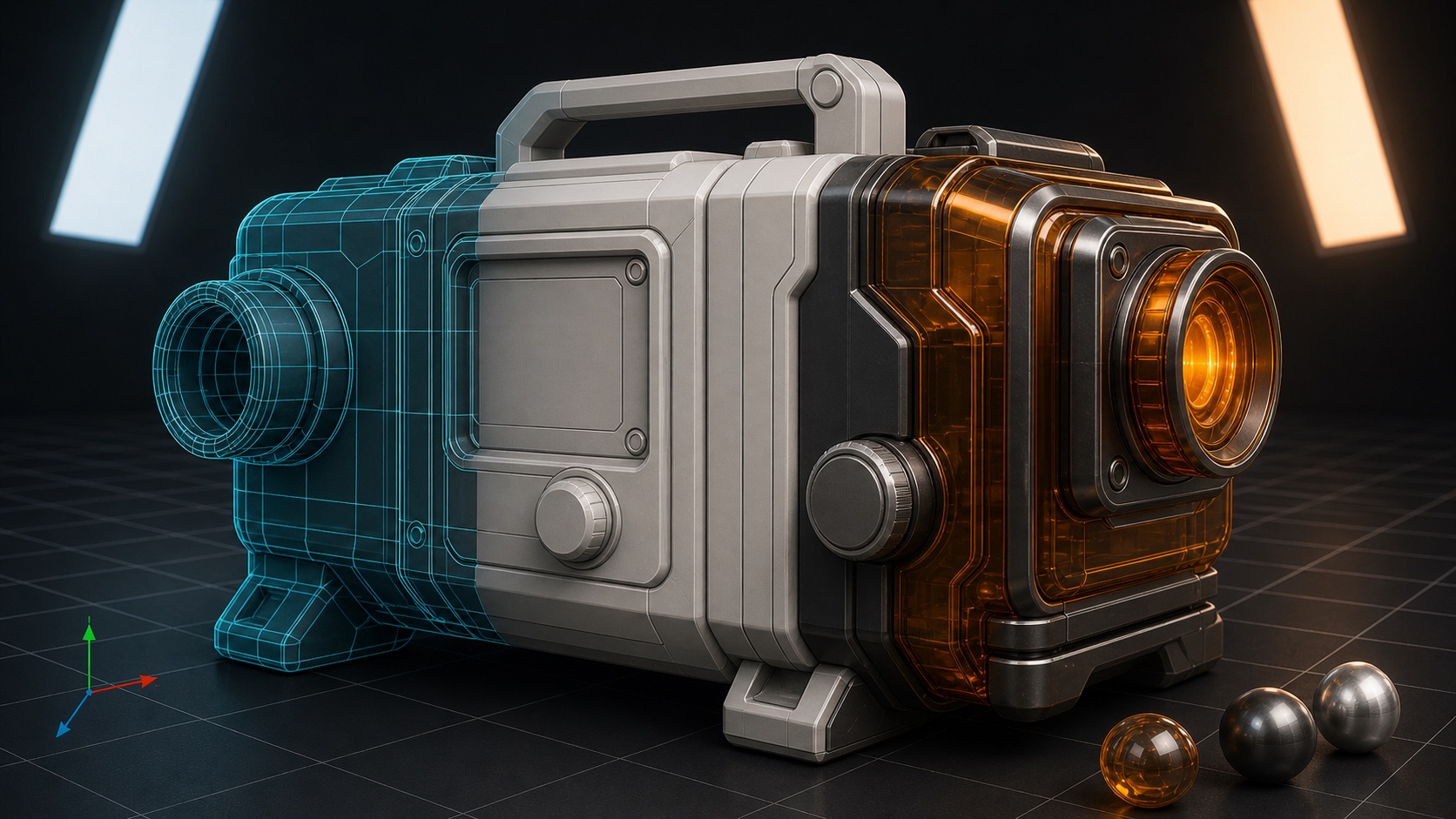
A creative suite with a shared AI agent
Create inside the application.
Work with an agent in the same live project. Open a scene, audio session, video timeline, game project, image, or document; describe what you want, watch the work happen, and continue editing in the same workspace.
Halsion 3DForm → finished scene
Halsion AudioSources → editable mix
Halsion DocNotes → editable pages
01 / Halsion 3DFrom form to finished scene.Model → materials → editable project
What Halsion is
A creative suite where you and an agent work in the same project.
Halsion includes applications for 3D, audio, video, games, images, vector design, diagrams, spreadsheets, presentations, and documents.
You can work directly with the viewport, timeline, mixer, canvas, or page while the agent reads the project and makes changes in the same session.
A live Halsion workflow
One request moves through the project.
Choose an application and follow a revision from conversation to editable result. The example stays inside one running workspace.
Halsion agent
Halsion 3D / LiveYOU · 10:41:52
The shape is right. Can you make the bottle feel less synthetic without changing the product-shot framing?
AGENT · 10:41:58
I’ll keep the silhouette and camera, then work through the existing body material.
YOU · 10:42:18
Warm the bottle material. Keep the geometry, camera, and lighting exactly as they are.
Message the agent…
H3Halsion 3D
app-stream-ordinary-product-revised.blend
CAMERA PERSPECTIVEAS6HeroCamera · 70 mm
01 / 09
Product scene, empty stage
The retained AS6 product project opens with camera gate, collections, and an empty studio stage
RENDER RESULT · INITIAL256 samples · OIDN · 00:18.42
REVISION 02AS6OrdinaryAmberRevision5 named subjects preserved
BASE COLORonly
Files · verified delivery
4 artifacts · 2.90 MiBINITIAL · BLENDapp-stream-ordinary-product.blend
920,276 BINITIAL · PNGapp-stream-ordinary-product-render.png
800 × 800REVISED · BLENDapp-stream-ordinary-product-revised.blend
898,324 BREVISED · PNGapp-stream-ordinary-product-revised-render.png
800 × 800AS6BottleBody
/Scene Collection/AS6_PRODUCT/AS6BottleBody
- Material
- AS6MatteTealBottle
Shader Editor
Color
Alpha
Linear
Strength 0.070
Distance 0.100
Normal
Base Color
Metallic 0.380
Roughness 0.290
Coat 0.220
Surface
Volume
Displacement
01 / Request a revision
A material revision begins
The open scene already contains its geometry, camera, and lights. The new request enters that project.
The applications
A purpose-built workspace for each kind of work.
Choose the application that matches the project. Each one gives the agent the medium’s real structure, from tracks and nodes to layers and pages.
Three ways into Halsion
HAHalsion Audio
Field Notes_E07_dialogue-final.ardourEDITED
00051015202530354045505560
LOOPHOST
MONO · 48K-60.0
GUEST
MONO · 48K-60.0
ROOM
STEREO · 48K-60.0
MUSIC
MONO · 48K-60.0
ACE EQCOMPRESSORPOST FADER
ACE EQCOMPRESSORPOST FADER
ACE EQCOMPRESSORPOST FADER
ACE EQSIDECHAINPOST FADER
ACE EQCOMPRESSORPOST FADER
Tracks, routing, and mixesHalsion Audio
HGHalsion Game
aster-observatory / airlock_test.tscnEDITED
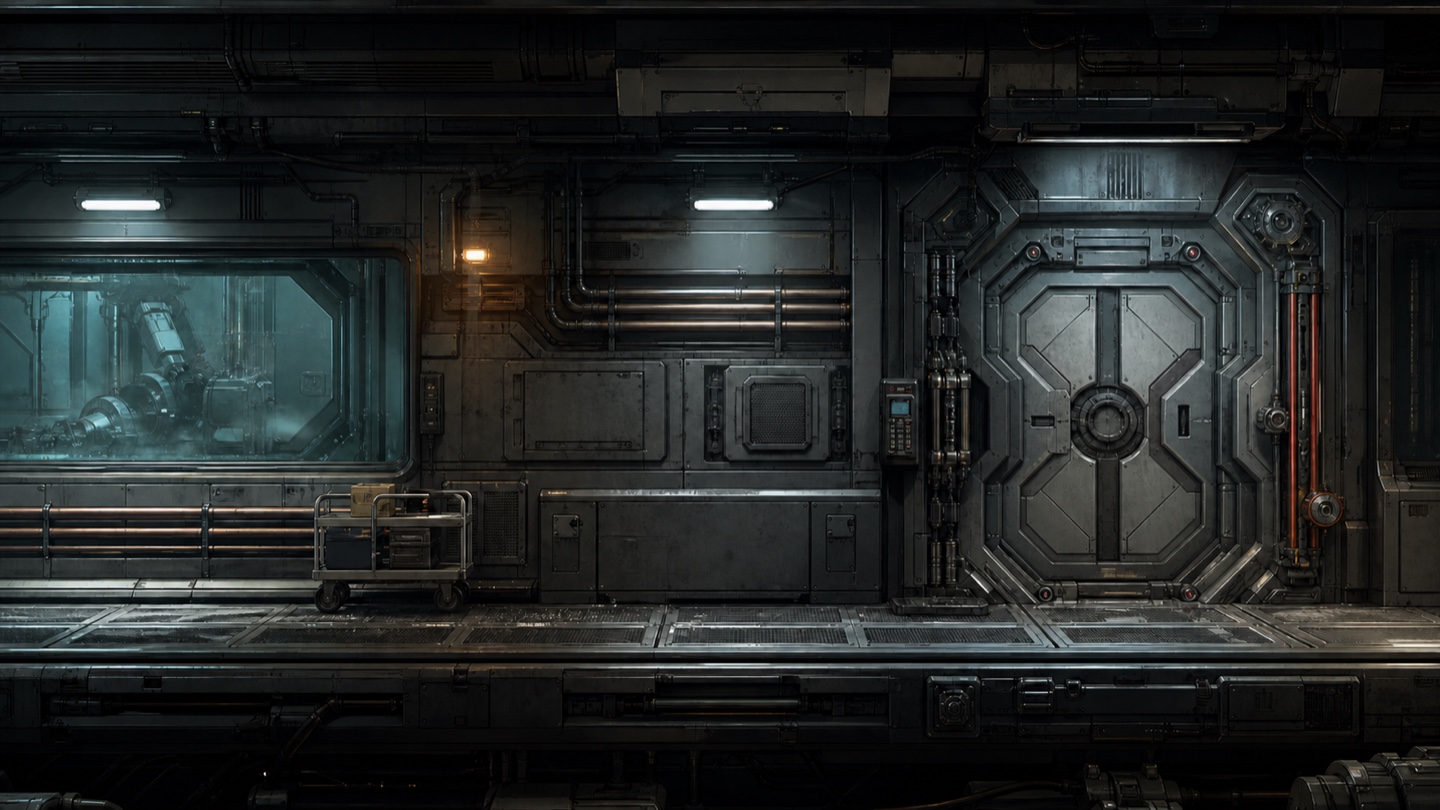
AirlockTrigger
0.35 s
11:27:24.201AirlockTest scene loaded
11:27:24.818Player dash remains locked after trigger exit
Scenes, systems, and runtimeHalsion Game
HPHalsion Paint
Harbor_Study_Dawn_v18.kraEDITED
Harbor_Study_Dawn_v18.kra×
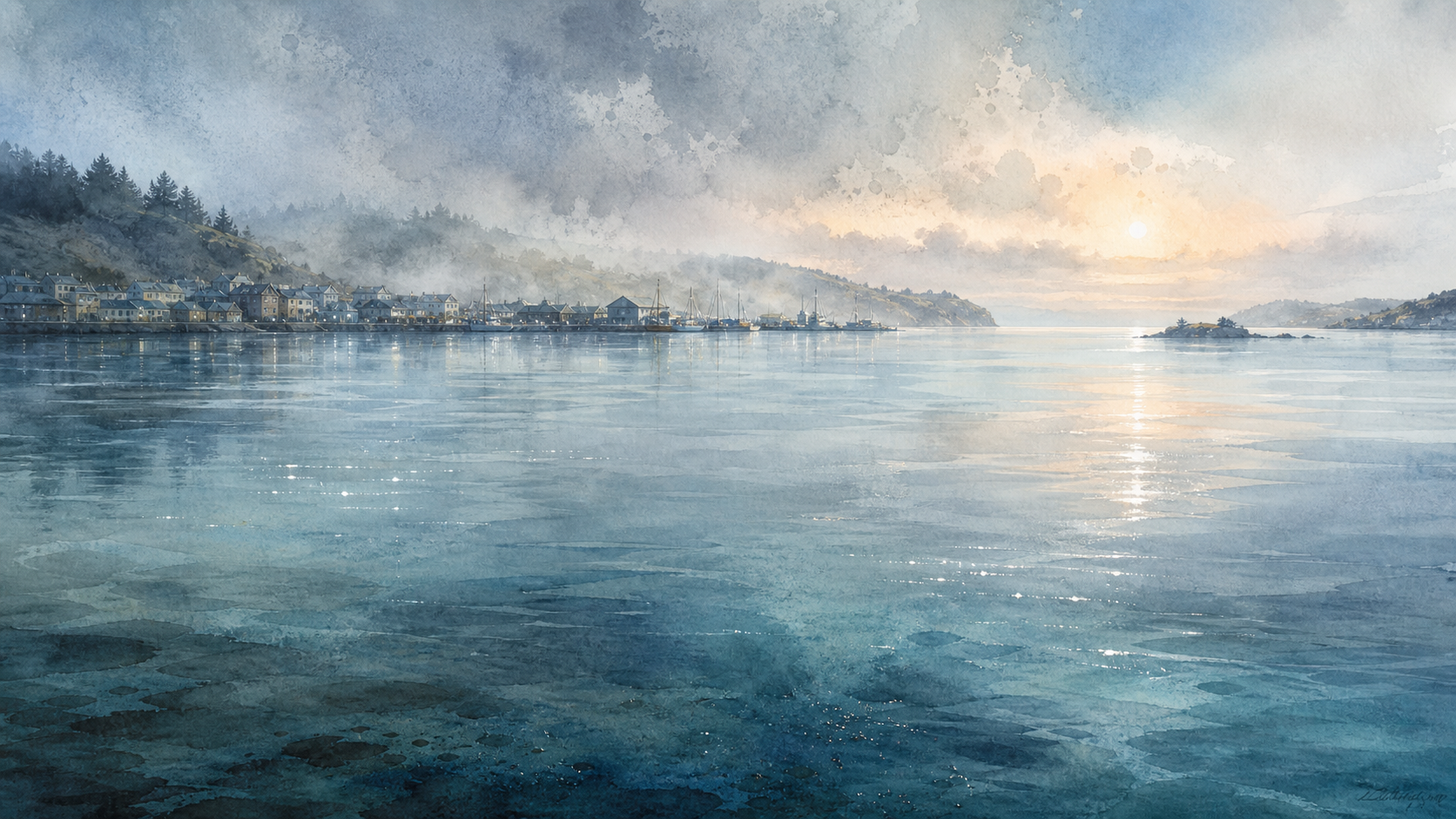
Colorize mask preview · Harbor light pass
Brushes, color, and illustrationHalsion Paint
Application directory
01Halsion 3DBuild, light, animate, and render an editable three-dimensional scene with an agent inside the project.
02Halsion AudioRecord, arrange, route, automate, mix, and deliver audio in a shared live session.
03Halsion VideoTurn source footage into a paced sequence with edits, transitions, titles, sound, and color.
04Halsion GameBuild a playable world from scenes, scripts, physics, animation, and runtime state.
05Halsion ImageCompose, retouch, mask, adjust, and export layered images without losing their structure.
06Halsion PaintDevelop an artwork from sketches, brush passes, color, texture, and editable paint layers.
07Halsion VectorDesign precise icons, type, diagrams, maps, posters, and illustrations from editable paths.
08Halsion SheetOrganize data, calculations, checks, charts, and reports in one inspectable workbook.
09Halsion DiagramTurn people, systems, steps, and decisions into a connected visual model.
10Halsion SlidesTurn an argument into a visual sequence with layouts, speaker notes, and a delivered presentation.
11Halsion DocTurn rough material into a structured, reviewed, and publishable document.
Working together
You and the agent share one live project.
Your pointer and keyboard remain active while the agent works. Actions from both sides appear in the same running project and can happen in sequence or overlap.
Session +00+04+08Live
YouDirect input
Orbit viewPointer
Adjust framingCamera
Keep revisionReview
Same running projectBoth inputs active
AgentProject operations
Read projectInspect
Revise surfaceOperate
Render viewOutput
Project replay
Follow the project, not just the final frame.
Each walkthrough follows the actual objects that change during the work: geometry, tracks, automation, paragraphs, review marks, and finished files.
Live project replay
Complete editable sequenceWays to use Halsion
Start in a browser. Keep your work when you need to.
Start immediately
Use Halsion in the browser
Choose an application and open a live session without creating an account. It is designed for trying an idea now; save anything important before you leave.
Image generation
Create references, textures, backgrounds, and source images for a Halsion project.
Audio generation
Create music, voice, effects, or stems to arrange and mix in Halsion Audio or Video.
Video generation
Create source motion and shots that can become part of a Halsion Video timeline.