Refine the active selection.
Use masks and edge controls to isolate fine plant detail and transparency before changing the scene.
Image / Layers, masks, and adjustments
Compose, retouch, mask, adjust, and export layered images without losing their structure.
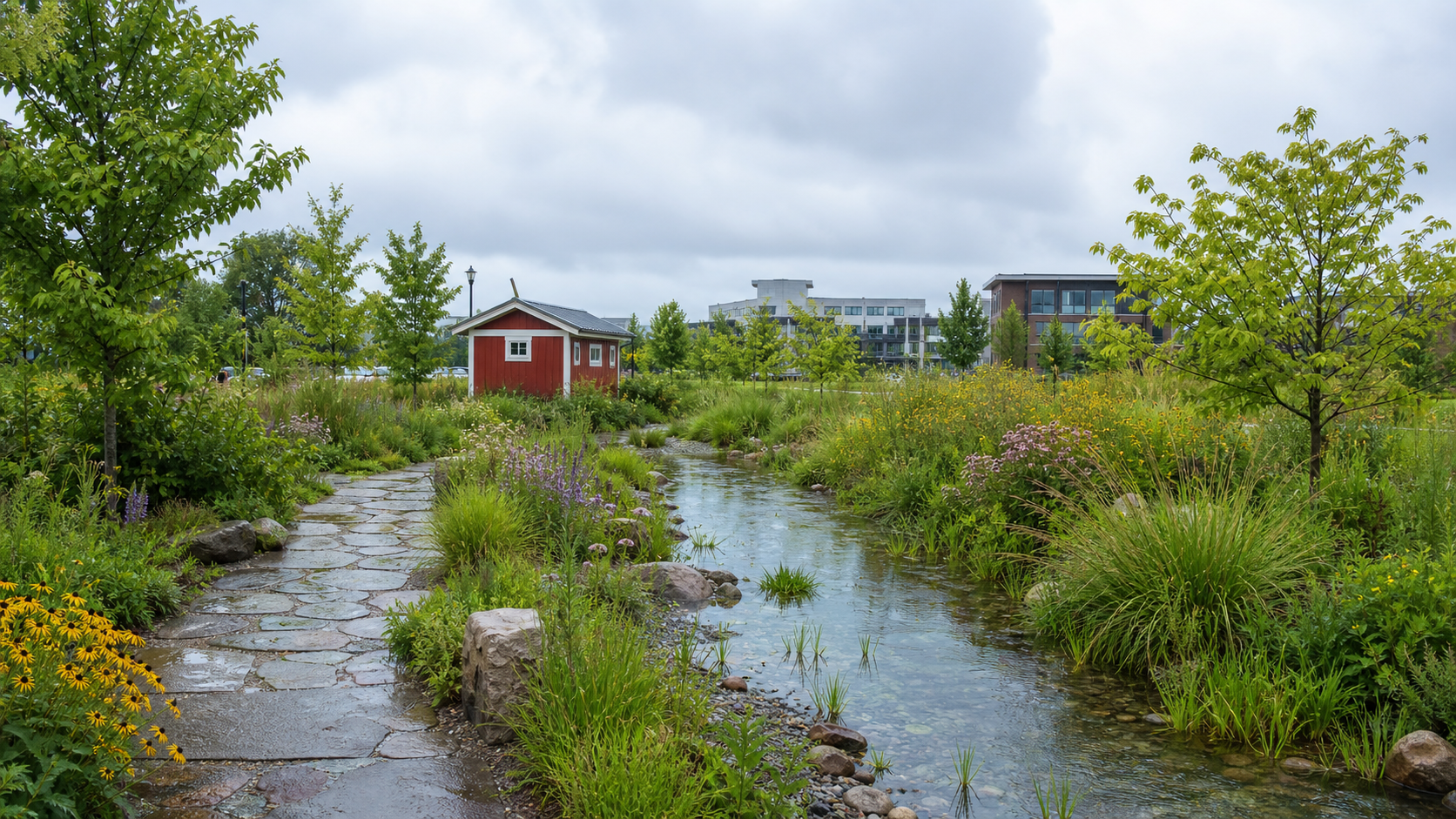
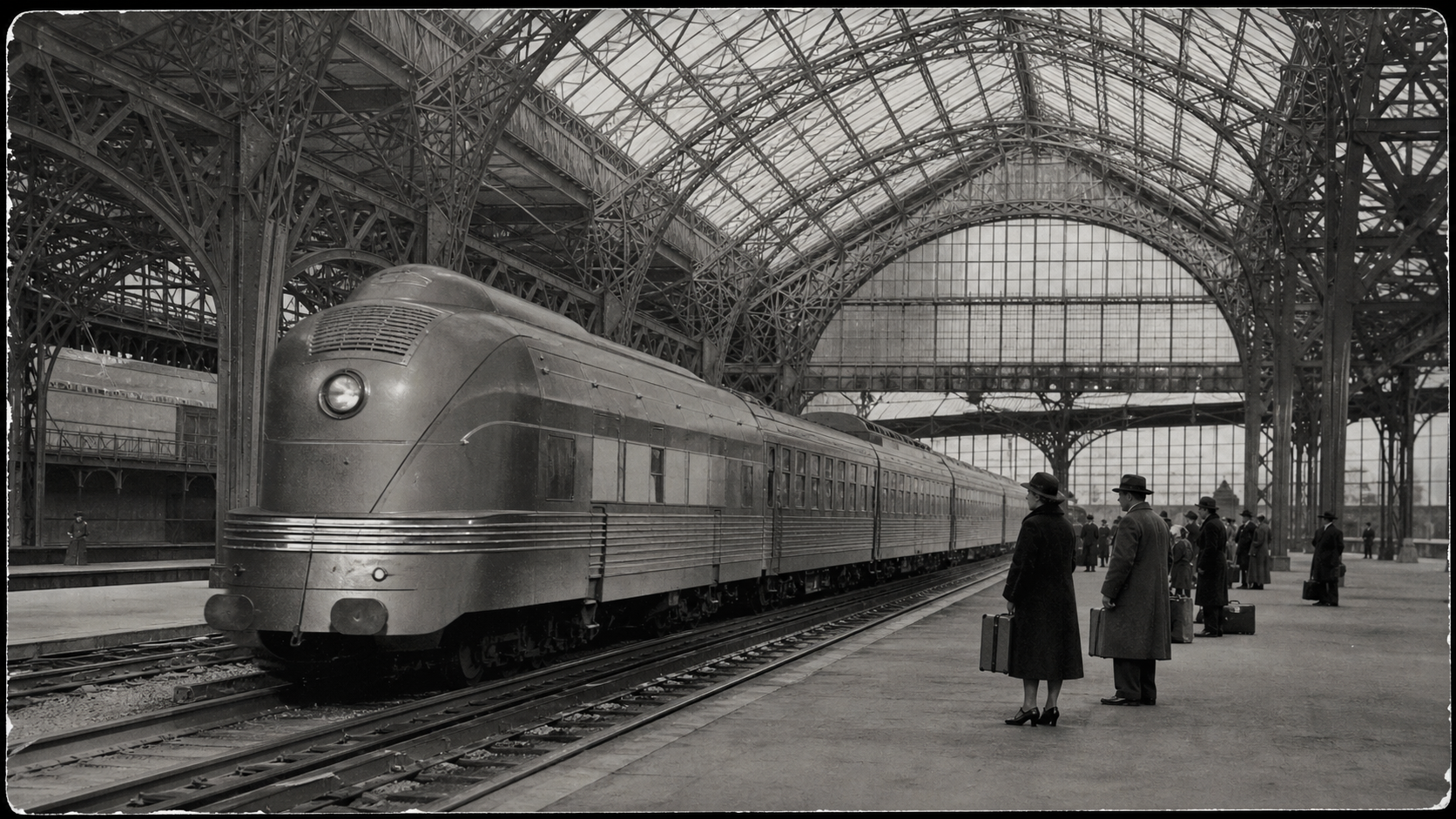
A BOUNDED LOCAL EDIT
In this session, the agent traces the locomotive body, restores its uneven midtones on a named adjustment layer, and leaves the fitted boundary ready for direct editing.
Halsion Image brings source photography, selections, masks, retouching, color adjustments, texture, type, and effects into one project.
Work with selections, channels, paths, and edge refinement.
Build reversible boundaries between elements and their surroundings.
Align scale, depth, light, color, and texture across a composite.
Prepare a finished image while retaining the layered source.
IMAGE EDITING WITH A SHARED AI AGENT
Halsion Image is a layered workspace for selection, masking, retouching, compositing, color, type, and export. You can edit the canvas directly while the agent works with the same image, active selection, masks, and layer stack.
Use the canvas to judge the composition and the layer tree to select, reorder, mask, blend, or adjust each contribution.
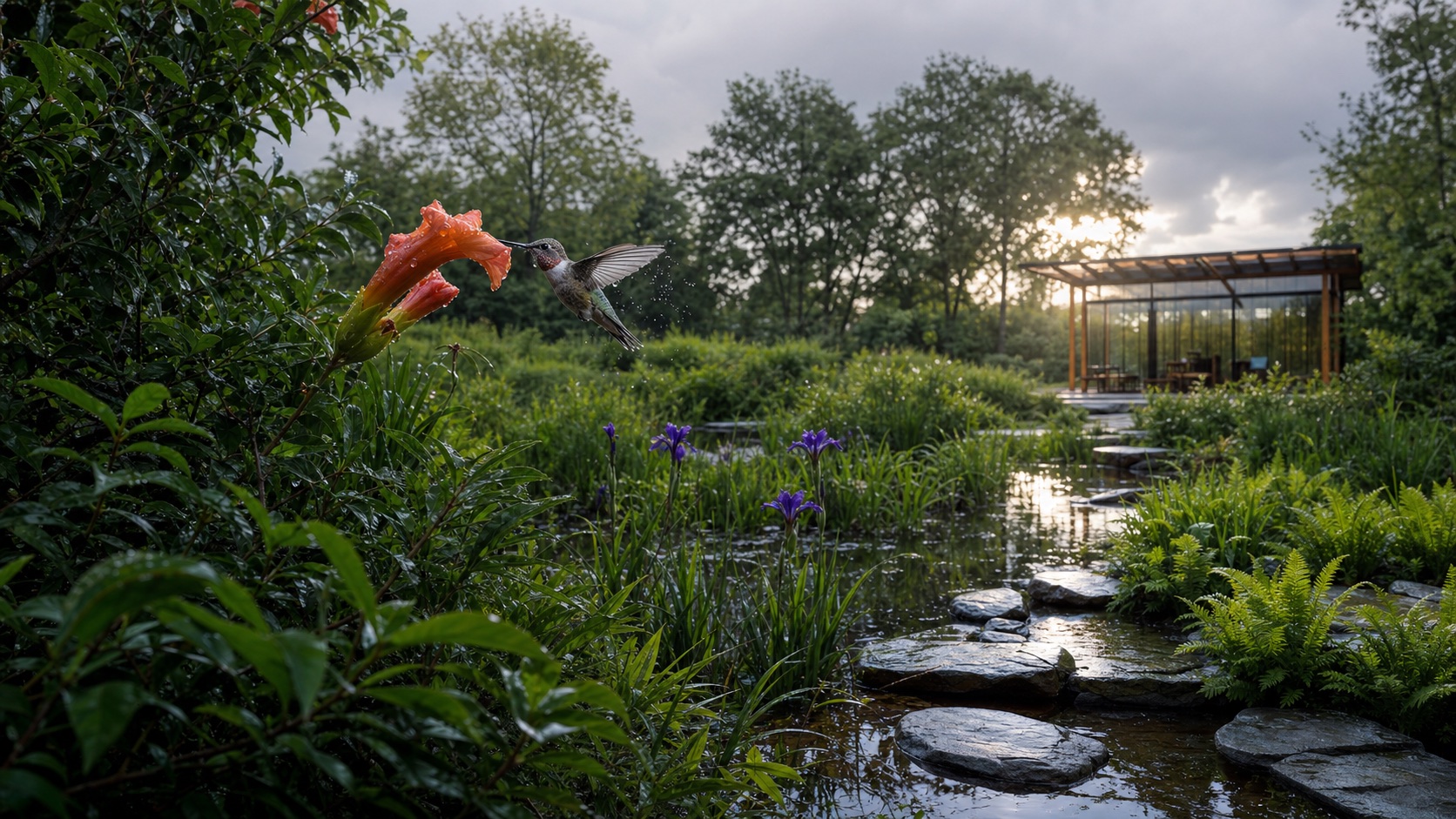
Use masks and edge controls to isolate fine plant detail and transparency before changing the scene.
Source, cleanup, subject, atmosphere, and adjustment layers remain separable.
Use the histogram, curves, and the full composition to bring different sources into the same lighting and color space.
Return to the masks, adjustments, text, and source layers for later revisions, and create flattened copies for review, print, or publication.
Masks, selections, adjustments, text, and source layers stay available.
Export a faithful preview for fast review and retain the editable source.
Flatten a copy, set its dimensions and color profile, and retain the original project.
Ways to use Halsion