Draw the core shapes
Create distinctive forms from paths and editable curves.
Vector / Paths, type, and visual systems
Design precise icons, type, diagrams, maps, posters, and illustrations from editable paths.
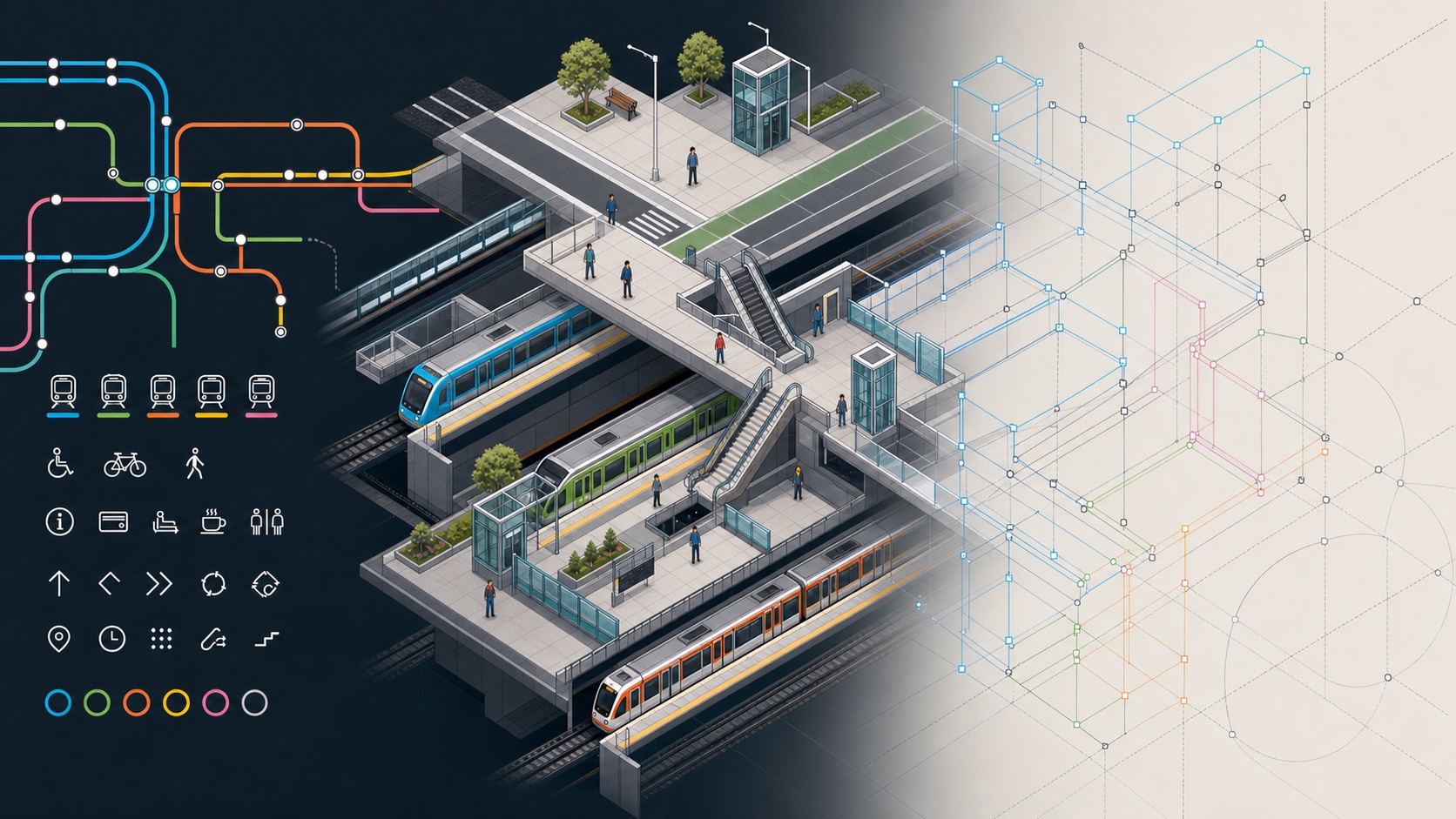
ONE CHANGE ACROSS A SYSTEM
In this session, the agent finds the relevant object, updates its geometry and label, then checks the surrounding alignment and production structure.
Halsion Vector combines typography, shapes, paths, symbols, color, and layout in a precise vector project for screen and print.
Create distinctive forms from paths and editable curves.
Bring symbols, type, hierarchy, and spacing into a repeatable system.
Use the same vector geometry for small interface marks, printed pages, and large-format output.
VECTOR DESIGN WITH A SHARED AI AGENT
Halsion Vector is a workspace for paths, shapes, type, symbols, illustration, and page layout. You can edit the artwork directly while the agent works with the same objects, groups, nodes, fills, and strokes.
Select objects, groups, paths, text, fills, strokes, and individual nodes within the same artwork.
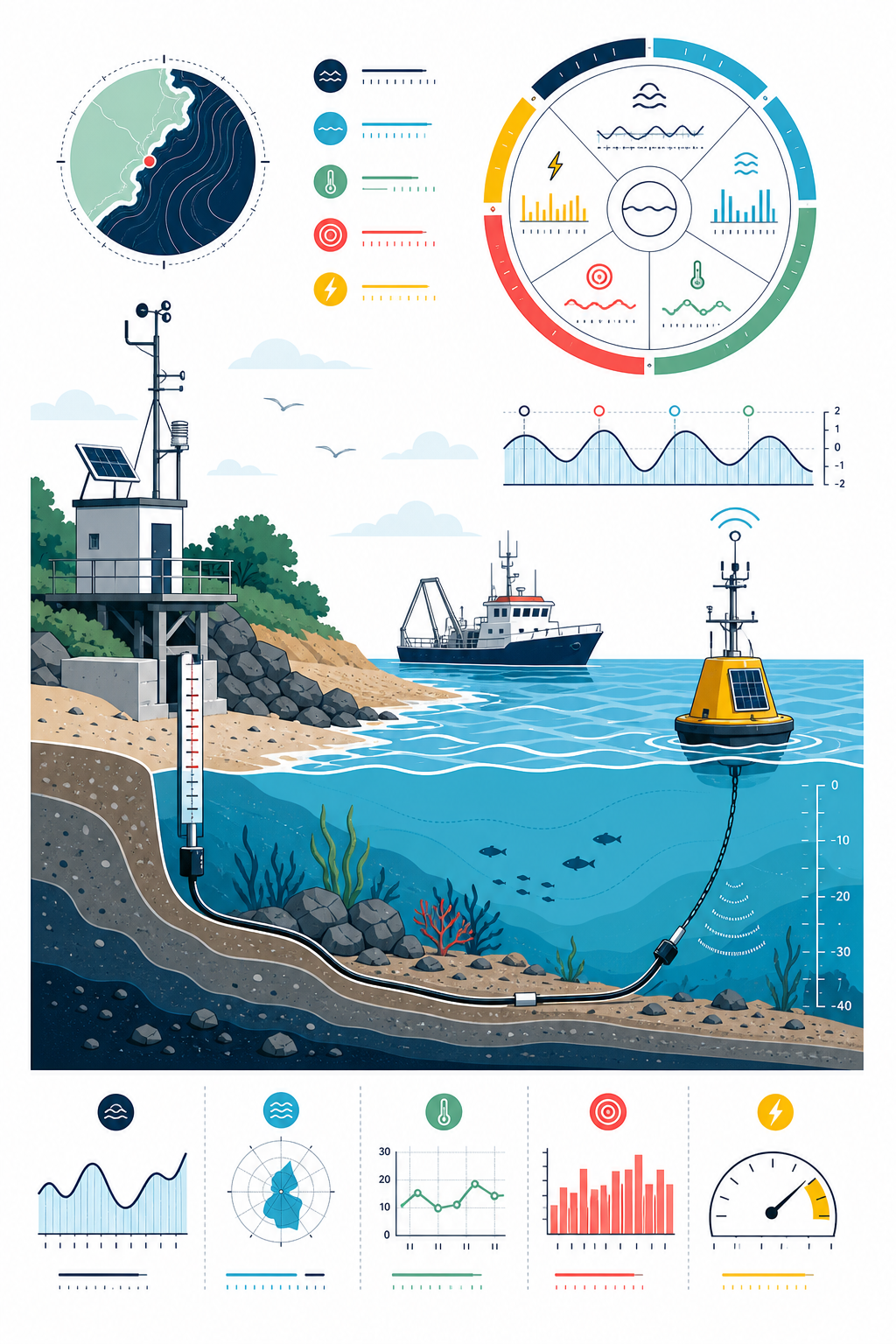
Keep background, illustration, typography, map, and production marks organized.
Adjust curve direction and tension while the surrounding composition remains visible.
Resolve hierarchy, dimensions, color, and export settings for each destination.
The project keeps the paths, type, symbols, and page structure used to create each SVG, printed page, and image size.
Paths, objects, type, symbols, and document structure remain live.
Carry exact geometry and composition into a dependable fixed page.
Export crisp, correctly sized images from the same vector source.
Ways to use Halsion