Choose the brush behavior.
Move between dry texture, opaque shape, transparent glaze, and fine detail by changing the active brush.
Paint / Brushes, color, and illustration
Develop an artwork from sketches, brush passes, color, texture, and editable paint layers.
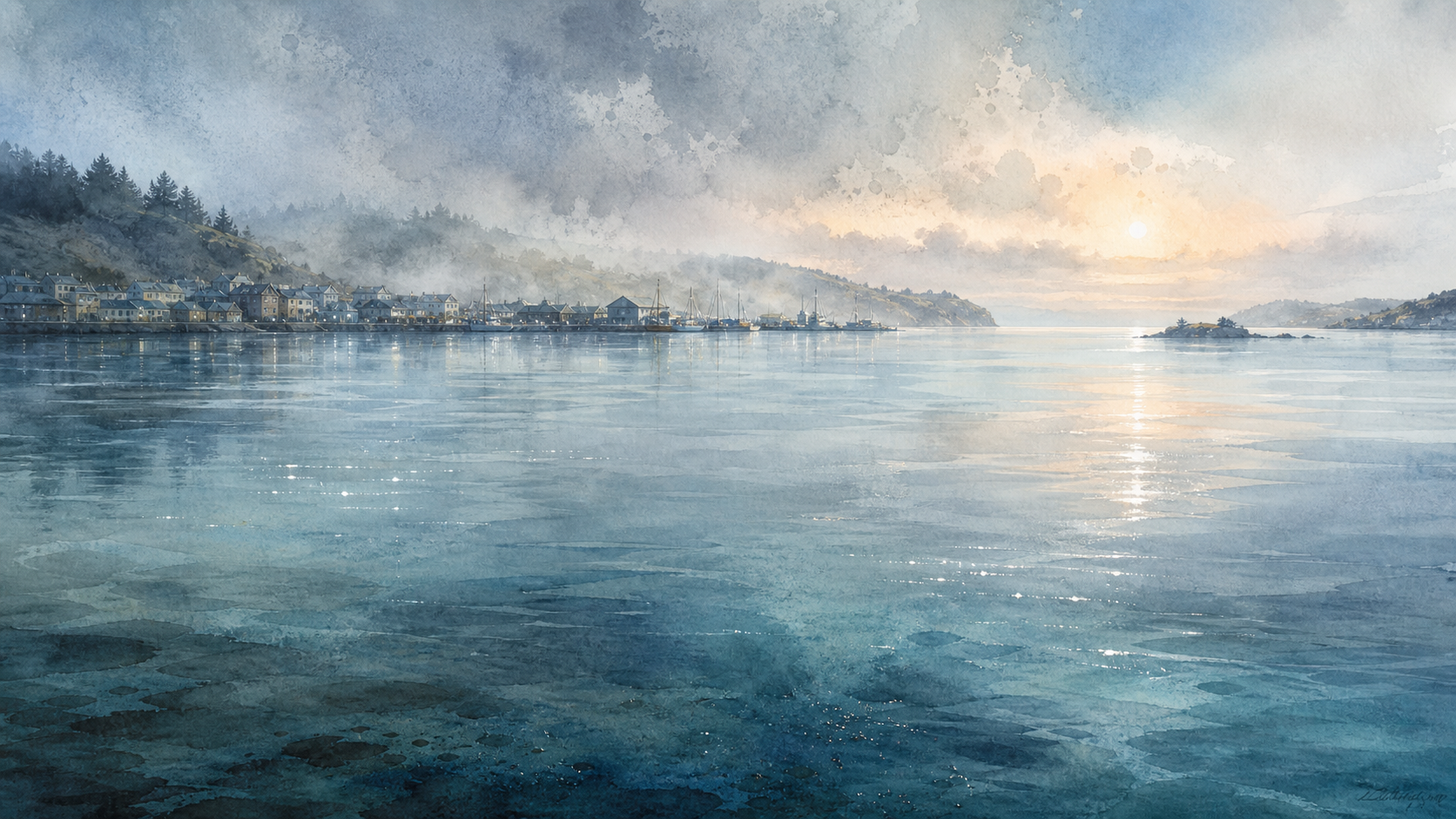
A PAINT PASS WITH BOUNDARIES
In this session, the agent paints reflected light with a specified brush inside a limited region. The new marks remain on a named layer for repainting, blending, masking, or removal.
The mark is the medium
Halsion Paint supports the full painting process from loose underpainting and blocked color to textured detail, lighting, and final correction.
Block the scene with loose marks before committing to detail.
Choose texture, opacity, size, color, and blending for each passage.
Keep drawing, color, light, texture, and correction available independently.
Review edges, focal contrast, color relationships, and final output.
DIGITAL PAINTING WITH A SHARED AI AGENT
Halsion Paint is a raster art workspace for sketching, brushwork, color, layers, selections, transforms, and finishing. You can paint directly while the agent works with the same canvas, brush settings, and layer tree.
The workspace keeps the artwork central while showing the active brush, color, selection, and layer used for the next mark.
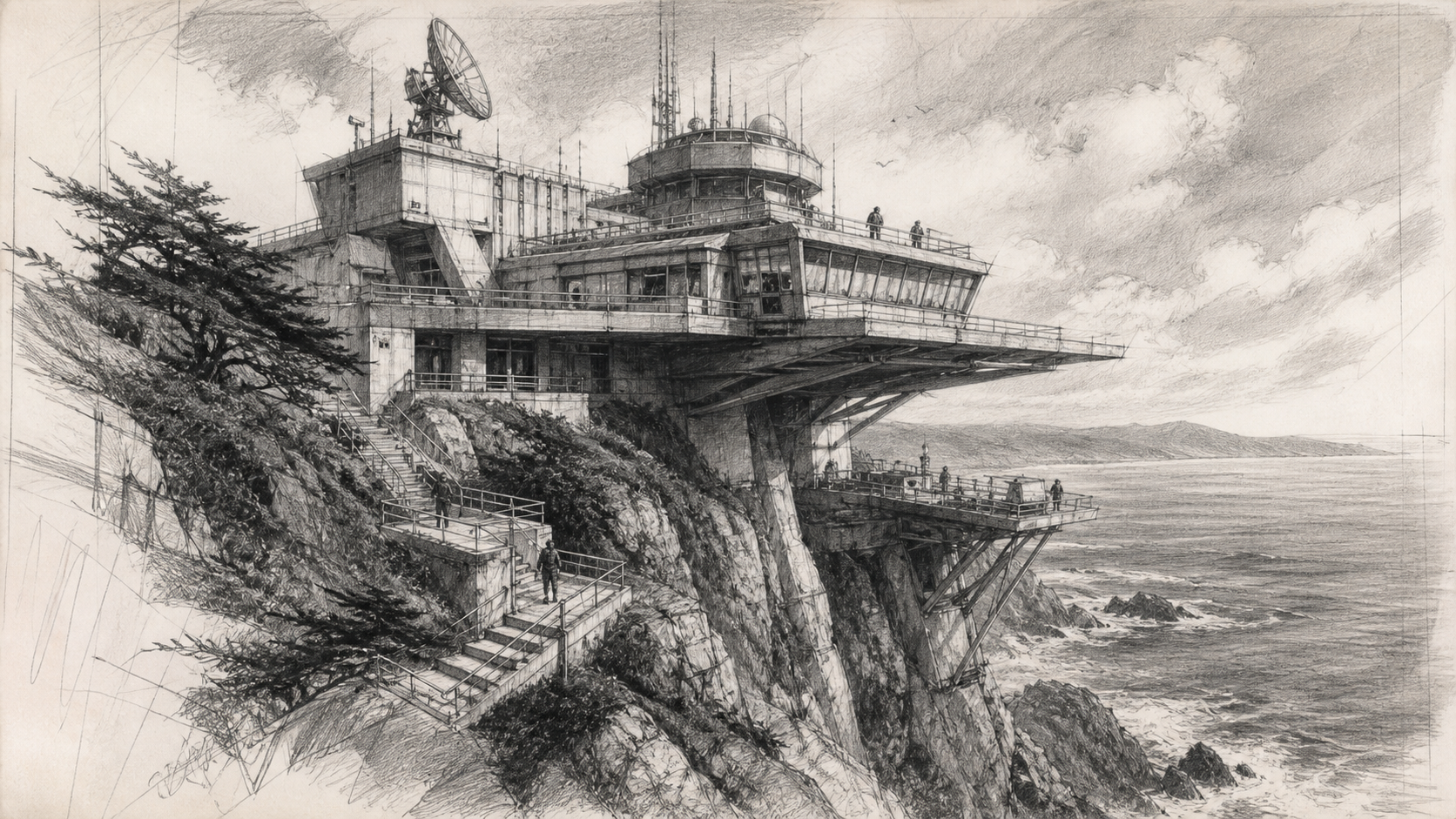
Move between dry texture, opaque shape, transparent glaze, and fine detail by changing the active brush.
Keep the drawing and earlier color available while a new light pass develops on the layer above.
Choose the active color while viewing its relationship to the complete painted image.
The project stores the brushes, marks, masks, groups, and color passes used to make the image, alongside its print and preview exports.
Brush marks, masks, groups, and color state remain in the native project.
Export a resolved frame for print, portfolio, or handoff.
Make a smaller version that carries the same color and composition.
Ways to use Halsion