
Halsion VideoFootage, sound, and timelines
Video / Footage, sound, and timelines
Halsion Video
Turn source footage into a paced sequence with edits, transitions, titles, sound, and color.
HVHalsion Video
Harbor_Market_interview_review-v12.flbEDITED
SOURCEB04_REACTION_GLANCE
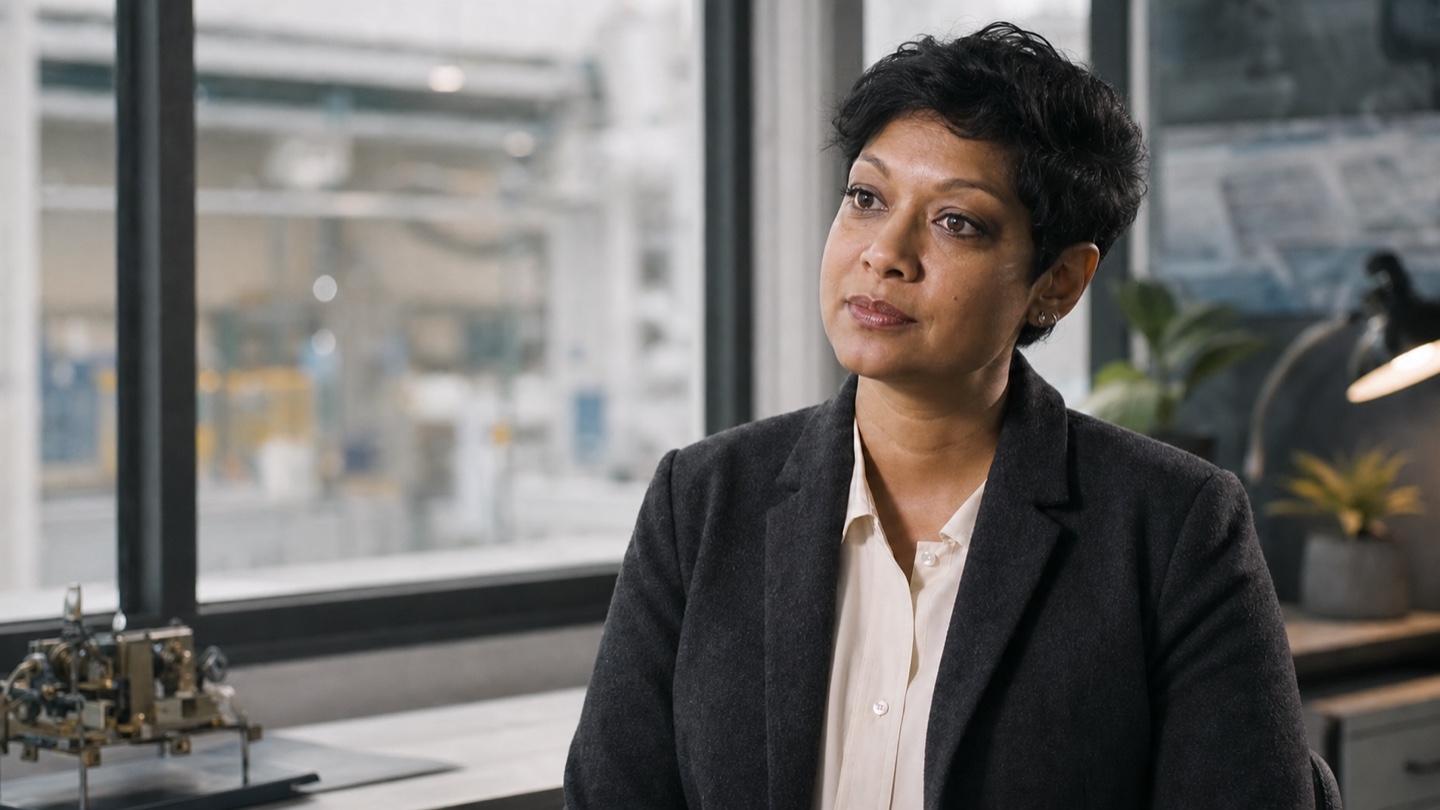
00:00:04:11SOURCEPROGRAMINTERVIEW_MASTER
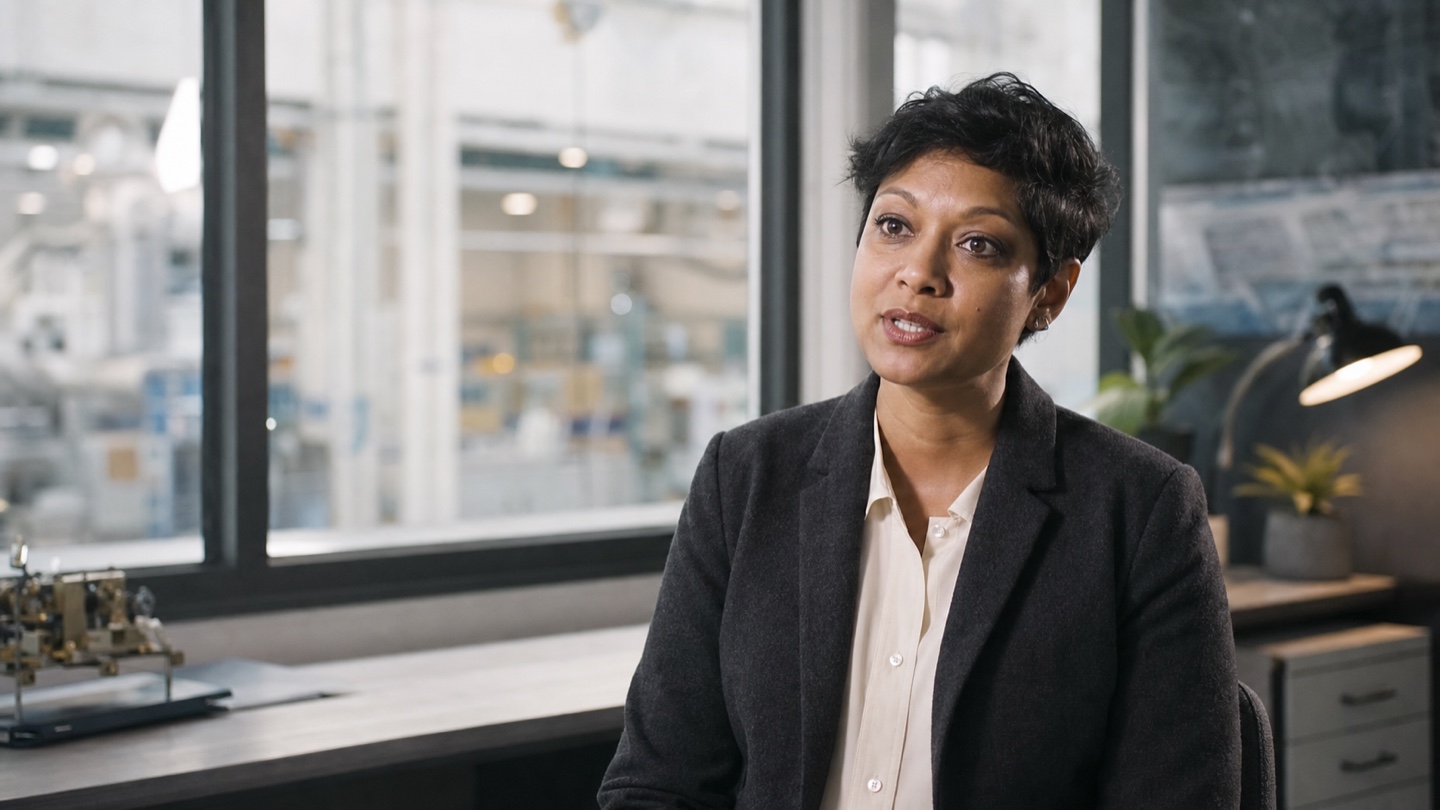
MAYA KHANHARBOR MARKET CO-OPERATIVE
00:00:37:22PROGRAMTIMELINEINTERVIEW_MASTER
00:00:37:2200s05s10s15s20s25s30s35s40s45s50s55s60s
CUT 00:37V3LOWER THIRD
V2OVERLAY
V1A-CAM
A1DIALOGUE
A2ROOM TONE
Live projectVideo
01 / Editable video project
02 / Preview video
03 / Final master
A conversation through time
Both you and the AI agent control the project simultaneously.
In this session, the agent finds the requested shot, trims it inside the active sequence, and leaves the playhead ready to review the new cut.
HVHalsion Video
Video project / LiveAgent connected
Halsion agentHalsion Video / Live
Message the agent…↵
V2 / Picture lock review00:00:18:14
Organize footage and build the sequence on the timeline.
Halsion Video brings source footage, selected moments, picture, sound, titles, and delivery settings into one editable project.
Source / Cranes 12
Organize the source media
Review footage, arrange bins, set in and out marks, and identify the moments needed for the sequence.
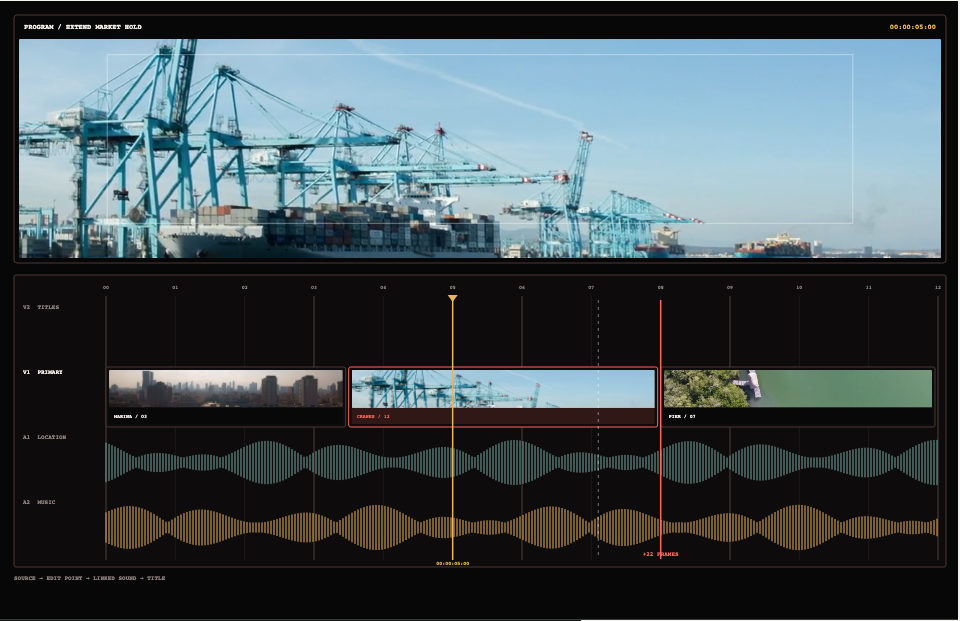
Build the picture and sound edit
Place linked clips, trim exact boundaries, and arrange dialogue, atmosphere, and music across the tracks.
Master / Ready
Prepare the sequence for delivery
Review titles, sound levels, transitions, and the final range before rendering the sequence.
Video editing with a shared AI agent
Edit video with an AI agent inside the timeline.
Halsion Video is a complete editing application for organizing footage, cutting picture and sound, adding titles, finishing the sequence, and delivering the final video. You can review the cut while the agent works with the same bins, tracks, clips, marks, and playhead.
The timeline shows every cut in the context of the full sequence.
Review the incoming frame, outgoing frame, linked audio, surrounding tracks, marks, and exact playhead position together.
HVHalsion Video
Station_Archive_restoration-cut-v08.flbEDITED
SOURCEAR_014_STATION_WIDE
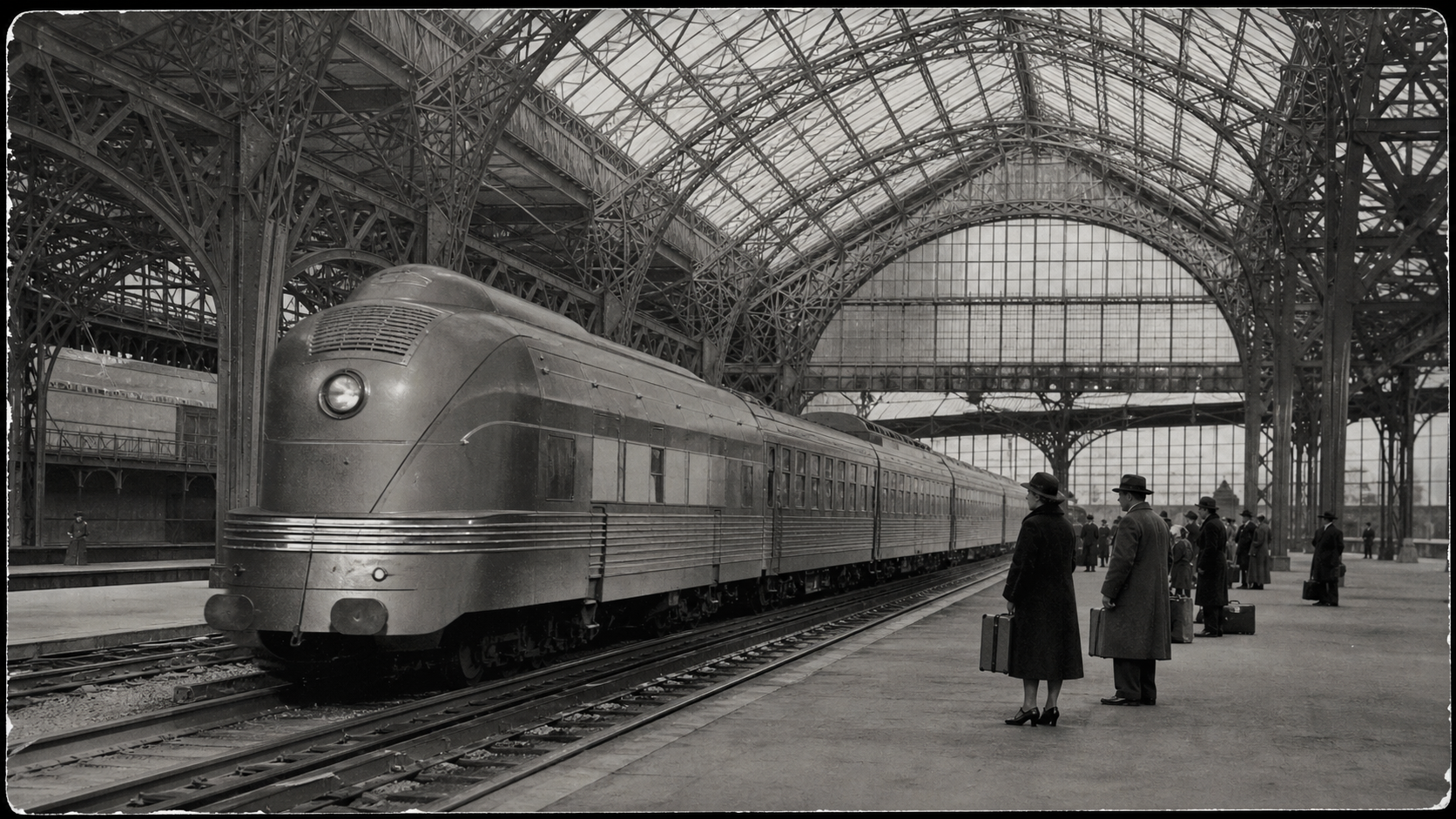
00:00:04:11SOURCEPROGRAMSTATION_RESTORATION_MASTER
MAYA KHANHARBOR MARKET CO-OPERATIVE
00:00:37:22PROGRAMTIMELINEINTERVIEW_MASTER
00:00:37:2200s05s10s15s20s25s30s35s40s45s50s55s60s
CUT 00:37V3LOWER THIRD
V2OVERLAY
V1A-CAM
A1DIALOGUE
A2ROOM TONE
Choose and compare footage.
Inspect available takes in the bins while the current sequence remains visible.
Edit picture and sound together.
Keep camera clips, dialogue, atmosphere, and music aligned across their tracks.
Revise an exact frame or beat.
Use marks, tracks, clips, and timecode to identify the part of the cut that should change.
Picture / Sound / Graphics
Finish picture, titles, color, and sound.
Review the program image, title timing, color, legal levels, and channel meters together. Corrections remain attached to their clip, track, or sequence.
Export previews and masters from the editable project.
The project keeps its bins, sequence, titles, sound, transitions, marks, and effects alongside the rendered video files.
Native project
Bins, media references, sequences, tracks, marks, and effects remain open to revision.
Halsion VideoSequence
Preview cut
Render a focused range for review while the working timeline remains ready for revision.
MP4Review range
Finished master
Deliver the approved sequence in the required resolution, codec, and audio format.
MasterProject
Ways to use Halsion